Clipath
 Clipath
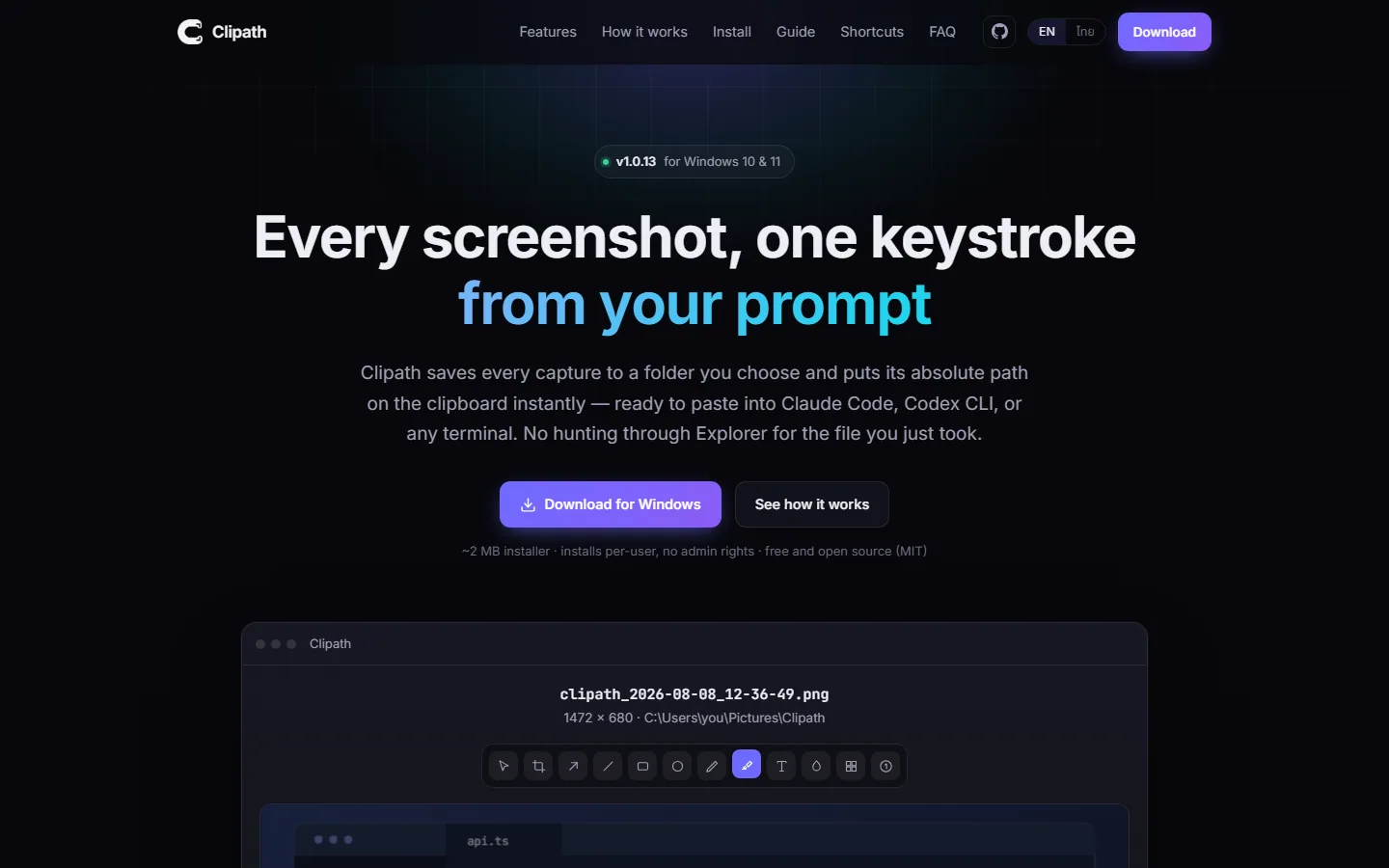
Capture. Annotate. Paste the path. A Windows screenshot tool for AI-CLI workflows.
Every capture is saved to a folder you choose and its file path is copied instantly — ready to paste into Claude Code, Codex CLI, terminals, IDEs and issue trackers.
- ~170 ms
- 28 MB idle
- Windows
- from shortcut to selection
- ~170 ms
- memory while idle
- 28 MB
- CPU while idle
- 0%
- accurate crops across monitors
- Multi-DPI
Working with AI coding agents means handing them screenshots constantly — and hunting through Explorer for the file you just took. Clipath makes it one keystroke.
Results
Aug 2026 · 44 commits · v1.0.13 · CI builds from tags, tests must pass first Results
- Measured on two monitors: shortcut to selection 455 → ~170 ms; idle memory 506 MB (9 processes) → 28 MB
- Cold editor open 2.5 s → 115 ms
- 62 Rust tests
- At 125% scale, 10 of 10 drags exact to the pixel
What it does
Annotate in place
Blur, pixelate, step counters and an eyedropper, built on Konva.
Fast from the first keystroke
WebViews stay warm while you capture and are released after 10 idle minutes.
Small Rust build
xcap for capture, arboard for the clipboard, the Windows API directly.
Screens
9 screens · click to enlargeWhat went wrong — and how I fixed it
 What went wrong — and how I fixed it
Real problems from the commit history, not a highlight reel.
- 01Problem
Slow and heavy: captured frames went to BMP on disk and back.
How I fixed itKeep raw RGBA in memory, split the overlay bundle from 370 kB to 6 kB, and tear down idle WebViews.
- 02Problem
The shortcut died after the first capture: Chromium suspended renderers of shrunk hidden windows.
How I fixed itReverted that change and added a watchdog that rebuilds the overlay when it doesn’t answer.
- 03Problem
After the screen slept, drawings were invisible and the app froze.
How I fixed itTurned off WebView occlusion tracking, posted window work to the event loop, and versioned window labels.
- 04Problem
The app showed up in its own screenshots.
How I fixed itDWM cloak with transitions forced off.
- 05Problem
At 125% scale a 640×400 selection saved as 646×405, and default shortcuts collided with other apps.
How I fixed itMeasure from the frozen frame, and move shortcuts to the Print Screen keys.
 How I fixed it
Shortcut in. Path on the clipboard.
- 01Press the shortcut and drag a region
- 02Annotate if you need to
- 03The capture is saved to your folder
- 04Paste the path into your prompt
- Role
- Solo — design, Rust, UI and the website
- Stack
- Tauri 2 · Rust · React 18 · Konva · Windows API
 Next product